

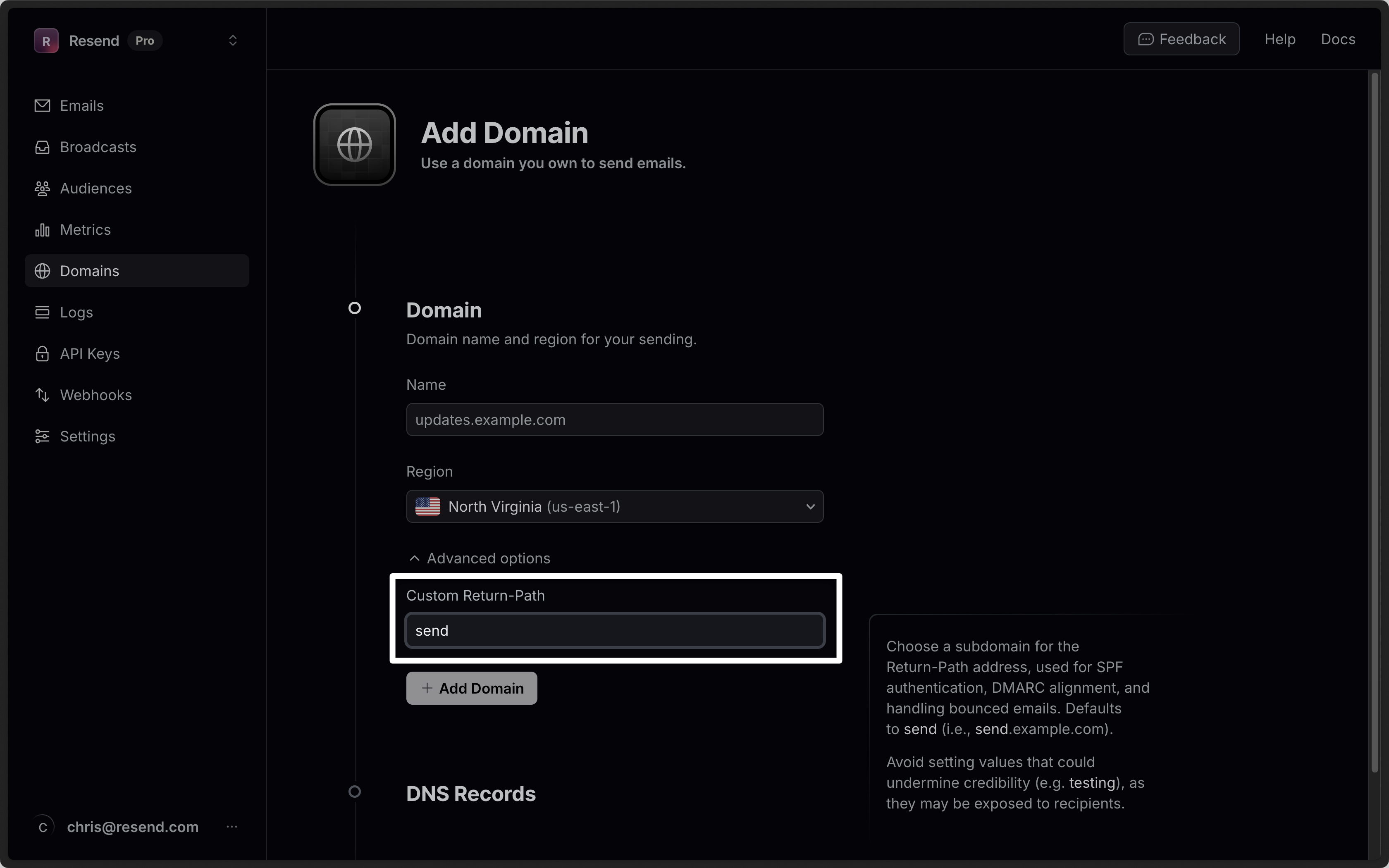
send subdomain for the Return-Path address.
Domains that show
CNAME records for sending use your Return-Path subdomain
for one record and an r-prefixed sibling for the other. With a Return-Path
of outbound, you’ll be shown records for both outbound.example.com and
routbound.example.com, and both need to be added for the domain to fully
verify.custom_return_path parameter when creating or updating a domain via the API or with a domains CLI command.
- Must be 63 characters or less.
- Must start with a letter, and end with a letter or number.
- Must contain only letters, numbers, and hyphens.
testing), as they may be exposed to recipients in some email clients.